What each step costs
The first conversation is free and commits you to nothing. Discovery and Blueprint each have a fixed price. The build gets a figure once the Blueprint is finished, because only then is it clear what has to be built. The amounts, with the explanation that goes with them, are on a page of their own. → What It Costs
What this includes
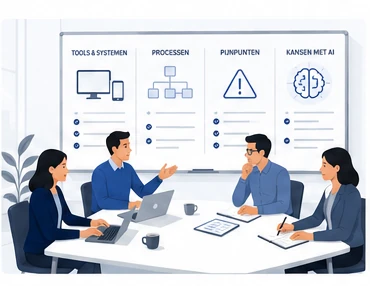
- Mapping which activities you carry out day to day, what information they need, and which rules apply to them
- Settling what AI may prepare or carry out, and where the decision stays with you
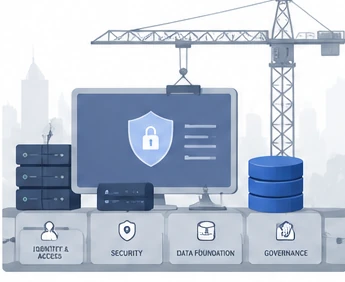
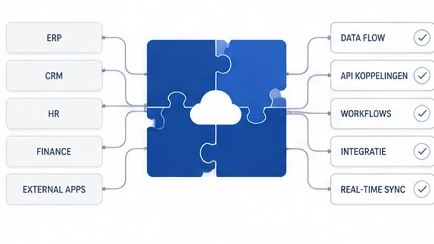
- Connecting email, documents, calendar, data, dashboards, and other existing tools so they work as one
- Writing down how the work should be done: house style, client preferences, checks, exceptions, and next steps
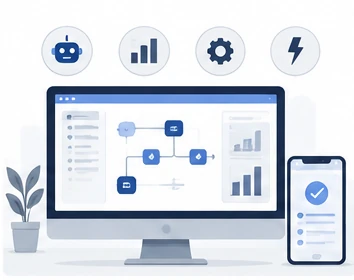
- Building an AI Workspace where one piece of work can lead into the next, so information doesn't have to be found or entered again each time
- Leaving you with an environment you understand, own, and can trust with more of your recurring digital work
The things we write down are not templates for making everyone do the same thing. They are the rules by which your Workspace knows how your work should go: which information takes precedence, which checks are needed, and when something has to come back to you.
An illustrative example (not a real client case)
Say you run a small business, and a client sends you an email with a document and a few new requirements. Instead of opening everything, retyping it, and gathering the rest yourself, you can ask your AI Workspace what has come in and what needs to happen with it.
The Workspace can process the file, record the relevant data, and connect the new information to what is already known about that client. It can see when the last point of contact was, what was agreed before, and, for instance, which currency that client usually pays in.
From the requirements received, a document can then be prepared in your own house style. If a reply is needed, a suitable email can be drafted. If an appointment has to be booked, it can be prepared or scheduled. If that changes the status of a job, that can feed back into the dashboard you use to follow your work. Whatever needs your judgement stays visible until you look at it yourself.
What matters is not any one of those actions on its own. There are plenty of separate solutions already for email, documents, calendars, and automation. The value comes from the Workspace understanding how these activities hang together, what information belongs with them, and what has to happen next.
What you get is not a collection of separate AI tools, nor one automated process, but a working environment you can delegate more and more of the recurring digital work to. What your own Workspace ends up doing is set by the Blueprint: which connections are available, what you want delegated, and where your approval stays required. This is an illustration, not a real client.
What this doesn't include
- We don't build, train, or fine-tune AI models
- We don't sell or resell anyone's AI tools
- We don't replace your email, calendar, or business applications. We bring them in
- We don't build anything that didn't come out of your Discovery and Blueprint
- We're not a general software development shop
- We don't put you on a standing retainer by default. Operations is optional, and you decide if and when you want it
We design how your operations work, including where AI, automation, and integrations fit, and we build those where the Blueprint calls for it. What we don't do is take on custom software outside that scope. When automation is part of the answer, it comes out of a setup designed on purpose, not as the whole point of the work.
Independent of any vendor
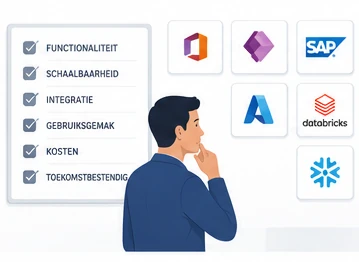
We have no commercial ties to any AI vendor or platform. When someone else's tool is the right fit, we'll say so. We have nothing of our own to sell you instead.
Start a conversation
The first conversation is free and commits you to nothing. Discovery is then the first paid phase and the first of your three decisions, and it commits you to nothing beyond itself. What each step costs is here: → What It Costs